Archived from the BrainFrame forum. Posted Mar 5, 2020. 2 replies · 796 views
Now I have
“OPEN_VISION_CAPSULES-MASTER”,
“ssd_mobilenet_v1_coco_2018_01_28.tar”,
“models-master.zip”
What should I do to passage up one capsule, so that I can run with it in BrainFrame?
-
File list:
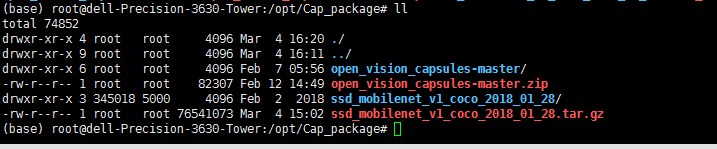
-
open_vision_capsule_naster
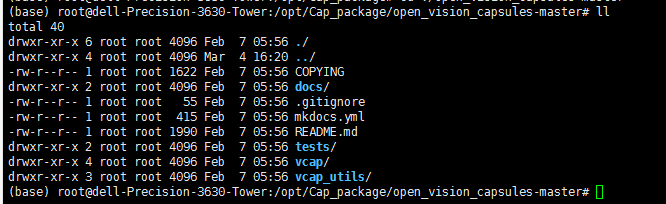
-
And I download tensorflow model from “model zoo”, aas follows:
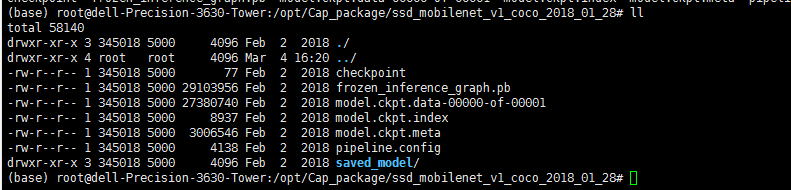
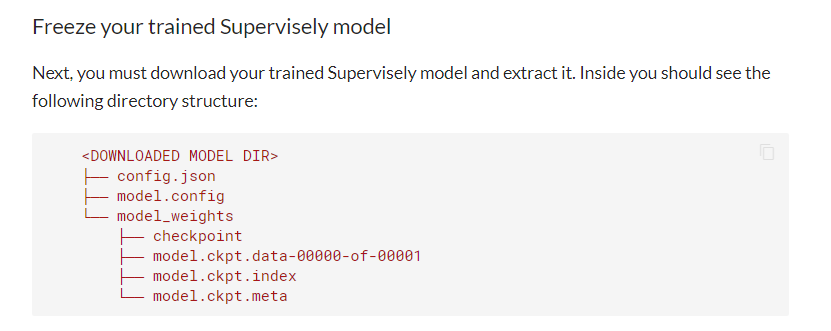
Seems different with the documents " Creating a Capsule"
Thanks!
Our documentation is still getting fleshed out, so here’s the steps I would take right now.
This is an example of how to run one of our example plugins from the OpenVisionCapsules example capsules:
- Pull the repository and copy one of the example capsules
git clone https://github.com/opencv/open_vision_capsules.git
cd open_vision_capsules/vcap/examples/detector_person_example

# Download a sample detection model file into the capsule
wget https://open-vision-capsules.s3-us-west-1.amazonaws.com/test-dependencies/models/ssd_mobilenet_v1_coco.pb

# Copy the directory to your BrainFrame Server capsules directory
cp -r . /PATH_TO_BRAINFRAME_DIRECTORY/capsules/detector_person_example
- The BrainFrame server directory should now have the following files
.
├── capsules
│   └── detector_person_example
│       ├── backend.py
│       ├── capsule.py
│       ├── dataset_metadata.json
│       ├── meta.conf
│       ├── ssd_mobilenet_v1_coco.pb
│       └── README.md
├── docker-compose.yml
├── license_file
└ ... other files ...
- To package your capsule, simple run the BrainFrame server by stopping any existing servers and starting one again. BrainFrame will automatically package and load your capsule.
docker-compose down && docker-compose up
There will now be a “detector_person_example.cap” in the directory, and it should look like this:
.
├── capsules
│   ├── detector_person_example
│   │   ├── backend.py
│   │   ├── capsule.py
│   │   ├── dataset_metadata.json
│   │   ├── meta.conf
│   │   ├── README.md
│   │   └── ssd_mobilenet_v1_coco.pb
│   └── detector_person_example.cap      <--- Your newly packaged capsule is here
├── docker-compose.yml
├── license_file
└ ... other files ...
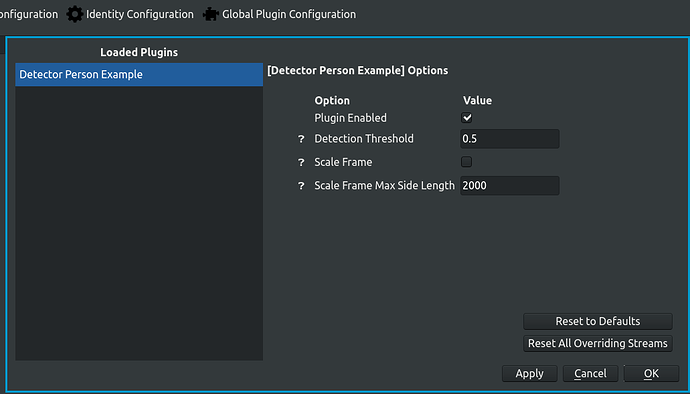
- You will know that the plugin is loaded because you can see the results live in the client, and also it will show up under the “Global Plugin Configuration” window, as such: